Register - EMAIL credentials
1. Register - Email
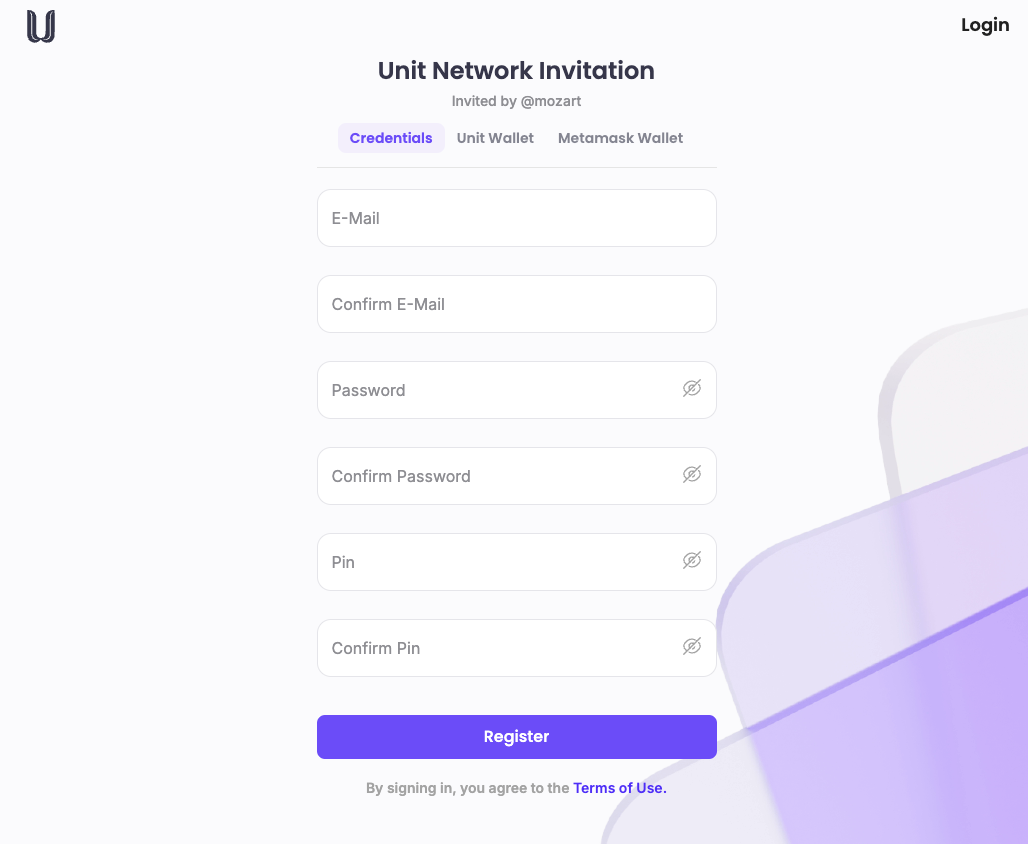
Fill out the registration form with your email address, password, and PIN code. (Your username is system-generated.) Click on Register to create your account.
Unit Network Invitation page
2. Confirmation Message
You’ll receive a message: "Your profile is created successfully".
3. Recovery Phrase
-
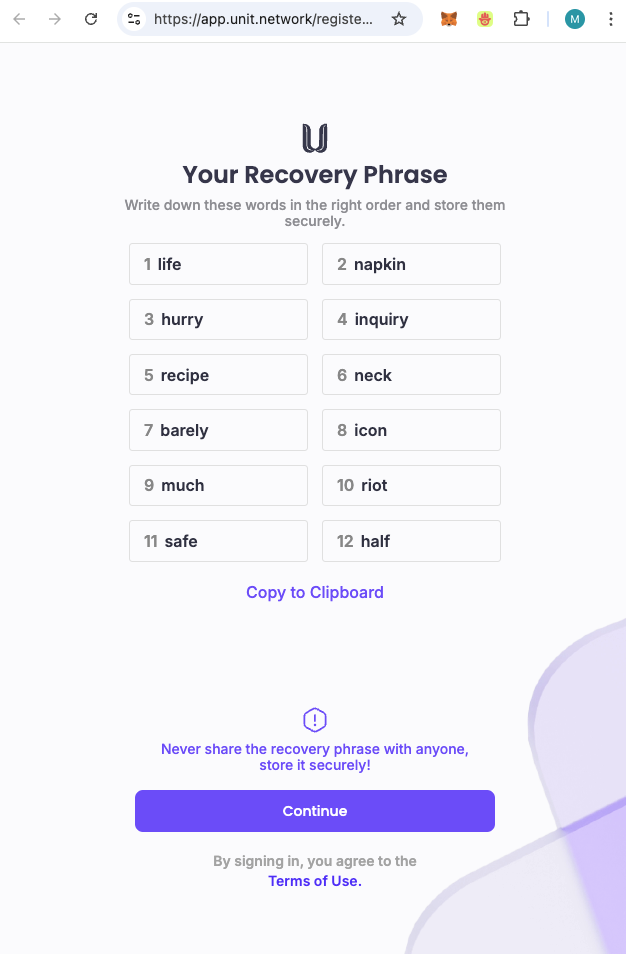
After creating your profile, a screen will appear with Your Recovery Phrase (a 12-word passphrase).
-
Write down this passphrase carefully. It’s essential for recovering your account if you forget your password.
-
Click Continue to complete registration.
4. Access the Dashboard
Upon successful registration, you’ll be redirected to the Application Dashboard.
5. Set Up Your Profile
Once your account is created, proceed to set up your profile by adding additional information, like your bio and other optional details.
6. Explore the Platform
You’re now ready to access the Unit Network platform. Take some time to explore features, join communities, and connect with other users.
Referral Link
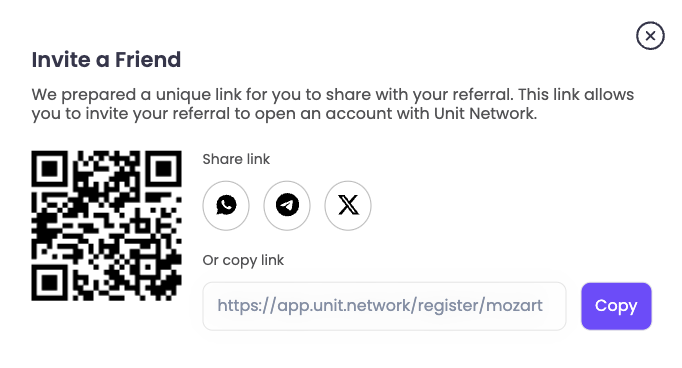
If you registered through a referral link or QR code, you’ll be redirected to the "Unit Network Invitation" page, where you’ll see "Invited by @yourusername".
Referral Link
When the user scans the QR code, they will be redirected to the "Unit Network Invitation" page and you will see "Invited by @yourusername"
Application Dashboard
Upon successful completion of your registration, the screen will refresh, and you will be automatically logged in, displaying the application dashboard.

Application Dashboard